What to Do Before Recycling a Computer
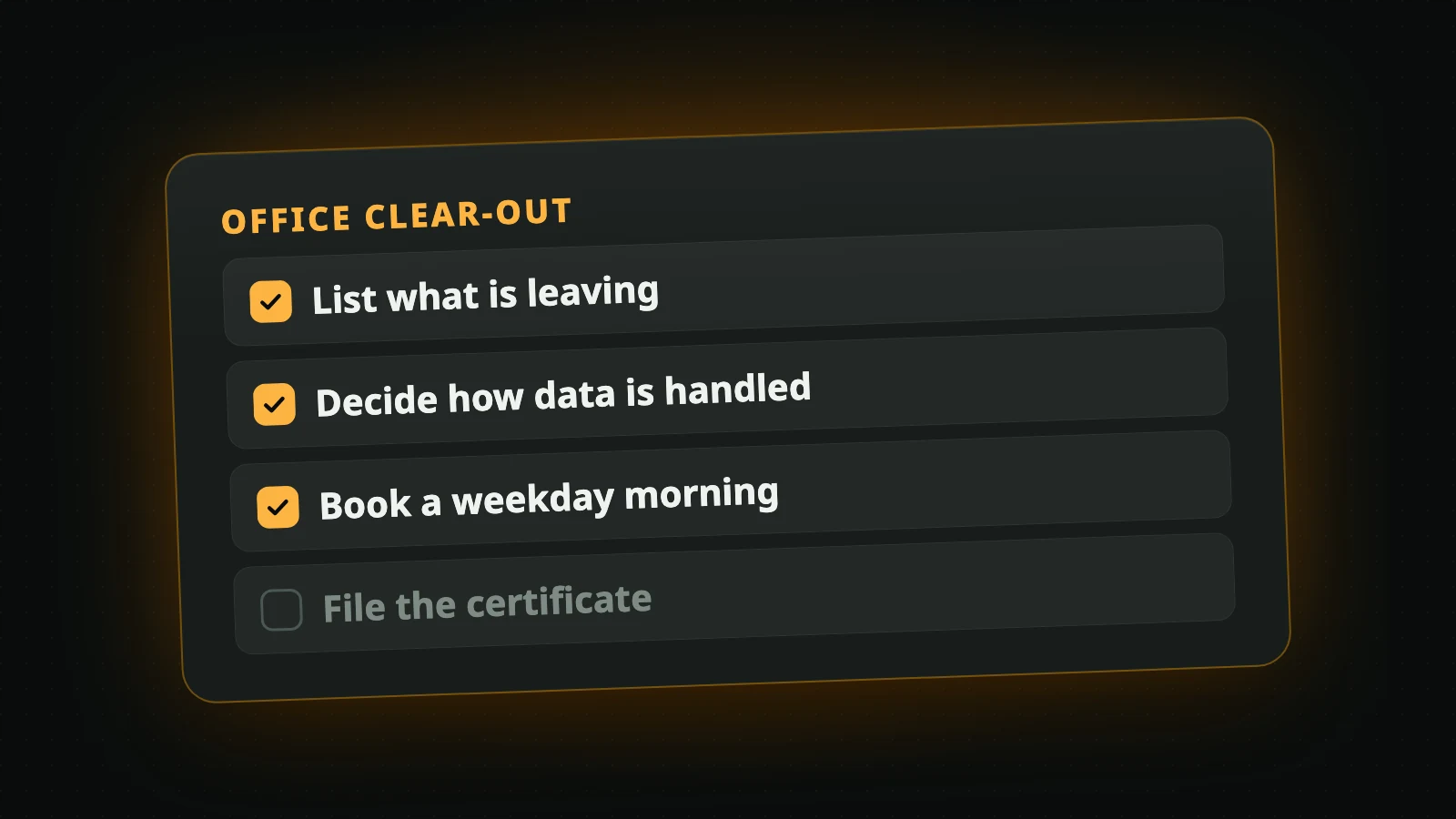
What to do before recycling a computer in Metro Vancouver: three small jobs worth doing, and the one you can leave to us, which is wiping the data.
By WinniePublished
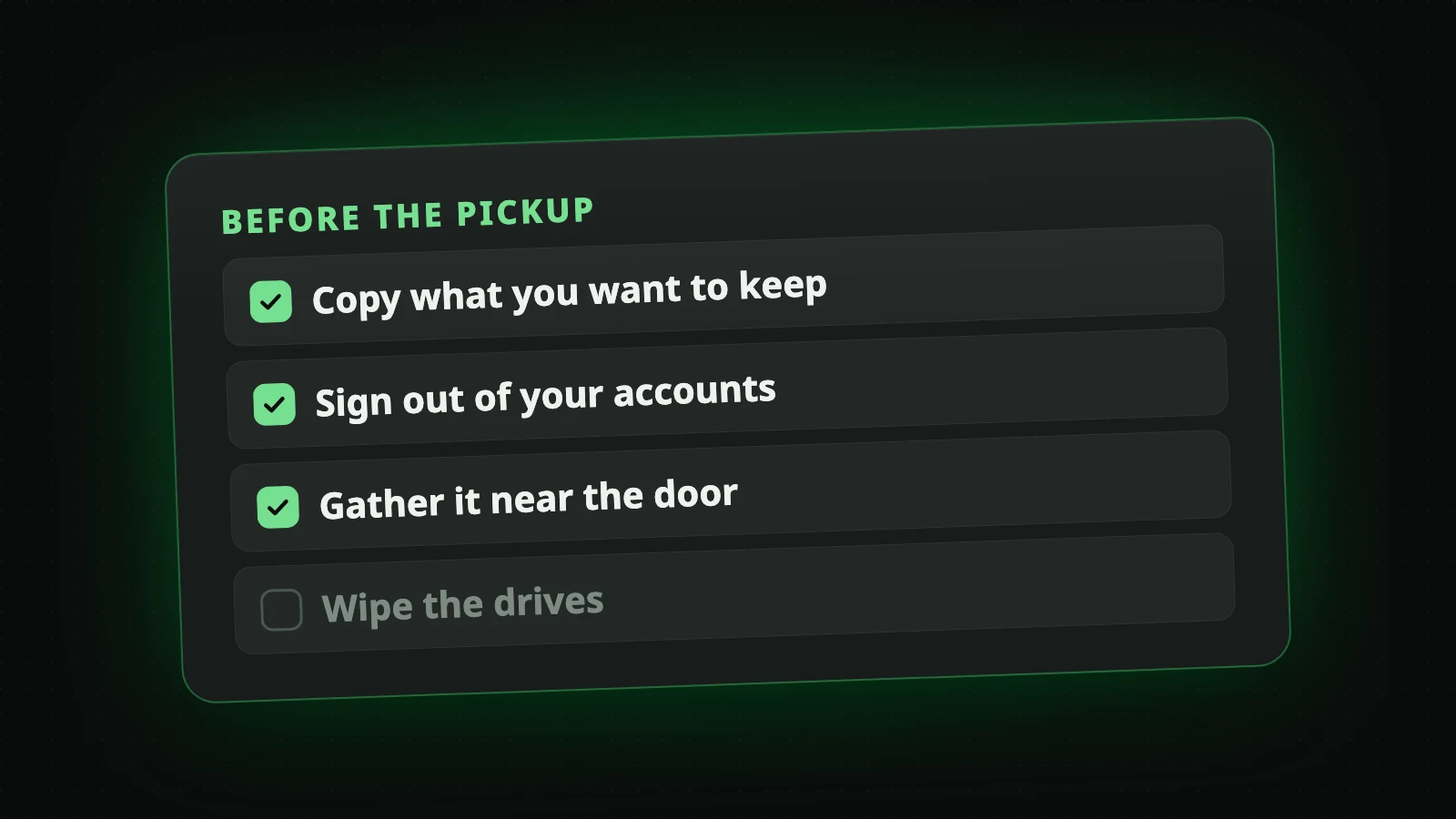
Most guides on what to do before recycling a computer begin with a long list of chores. Ours is short, because the biggest chore on those lists, erasing your data, is something we do for you.
Copy what you want to keep
Once a device is wiped, nothing on it can be brought back. Before the pickup, move anything you still want to another device or to cloud storage: photos, documents, saved passwords, the license keys for software you paid for.
Old phones and laptops that no longer start are the ones people forget. If one of yours holds photos you would miss, tell us in the notes when you book and keep it aside until you have decided.
Sign out of your accounts
Phones, tablets and many laptops can be locked to their owner's account, so that a lost or stolen device is useless to whoever has it. That lock does not know the difference between a thief and a recycler. A device that is still locked to you cannot be set up again by anyone else, so it cannot be reused, however good its condition.
Signing out takes a minute and is the single most useful thing you can do for a device's second life:
- On a phone or tablet, sign out of the account in its settings and turn off the feature that locates the device.
- On a computer, sign out of the account that syncs it and, if you set one, remove the startup password.
If a device will not turn on, you can usually remove it from your account from another device, in the account's list of your devices.
Gather it near the door
Unplug everything and put it in one place, as close to the door as is practical. Cables, chargers, keyboards and mice can go in a box or a bag. You do not need the original packaging, and you do not need to label anything.
If you live in a condo or an apartment, tell us the floor, whether there is an elevator and how the buzzer works when you book. If your building wants its elevator reserved for a move, let us know the hours. The page on residential electronic recycling says how we reach each kind of home.
What you can leave to us
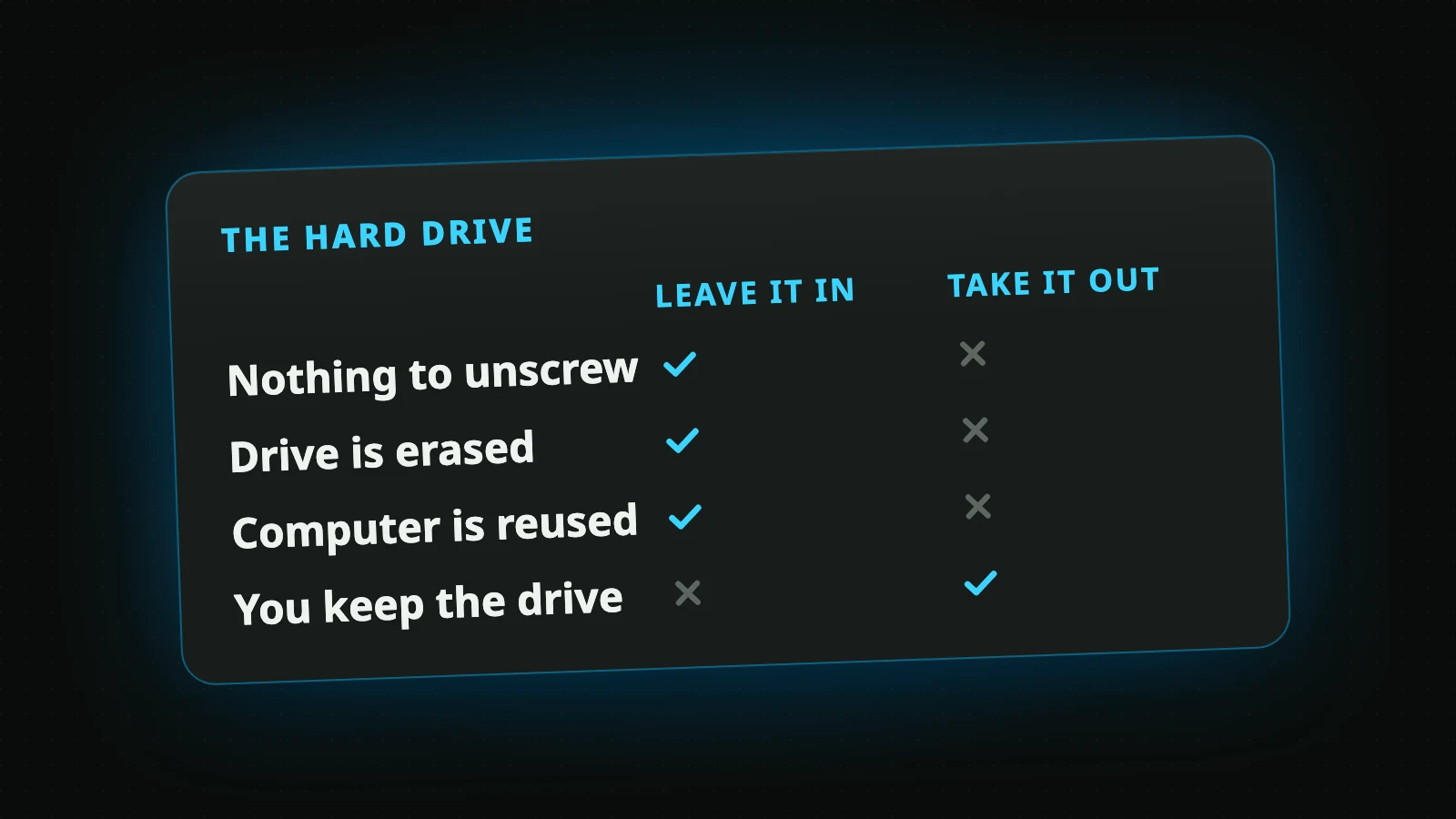
You do not need to wipe the drives, remove them or take anything apart. Every device we collect has its storage erased, at no charge. If a drive held records sensitive enough that you want it physically destroyed, ask for that when you book: it is the one thing we charge for, and we agree the price with you first.
If you have already erased a device yourself, that is fine too. Choose "None needed" on the form and we will not do it twice.
Then book
When the devices are ready, book a pickup. It takes one minute, and the pickup is free. What happens from the form to the day itself is in how to recycle electronics.
Book a Free Pickup
Old computers and electronics collected from your door in Metro Vancouver. The data is wiped at no charge.
Book a Pickup