How to Dispose of Old Office Equipment
How to dispose of old office equipment in Metro Vancouver: what can be recycled, what to do about the data on it, and the records worth keeping.
By WinniePublished
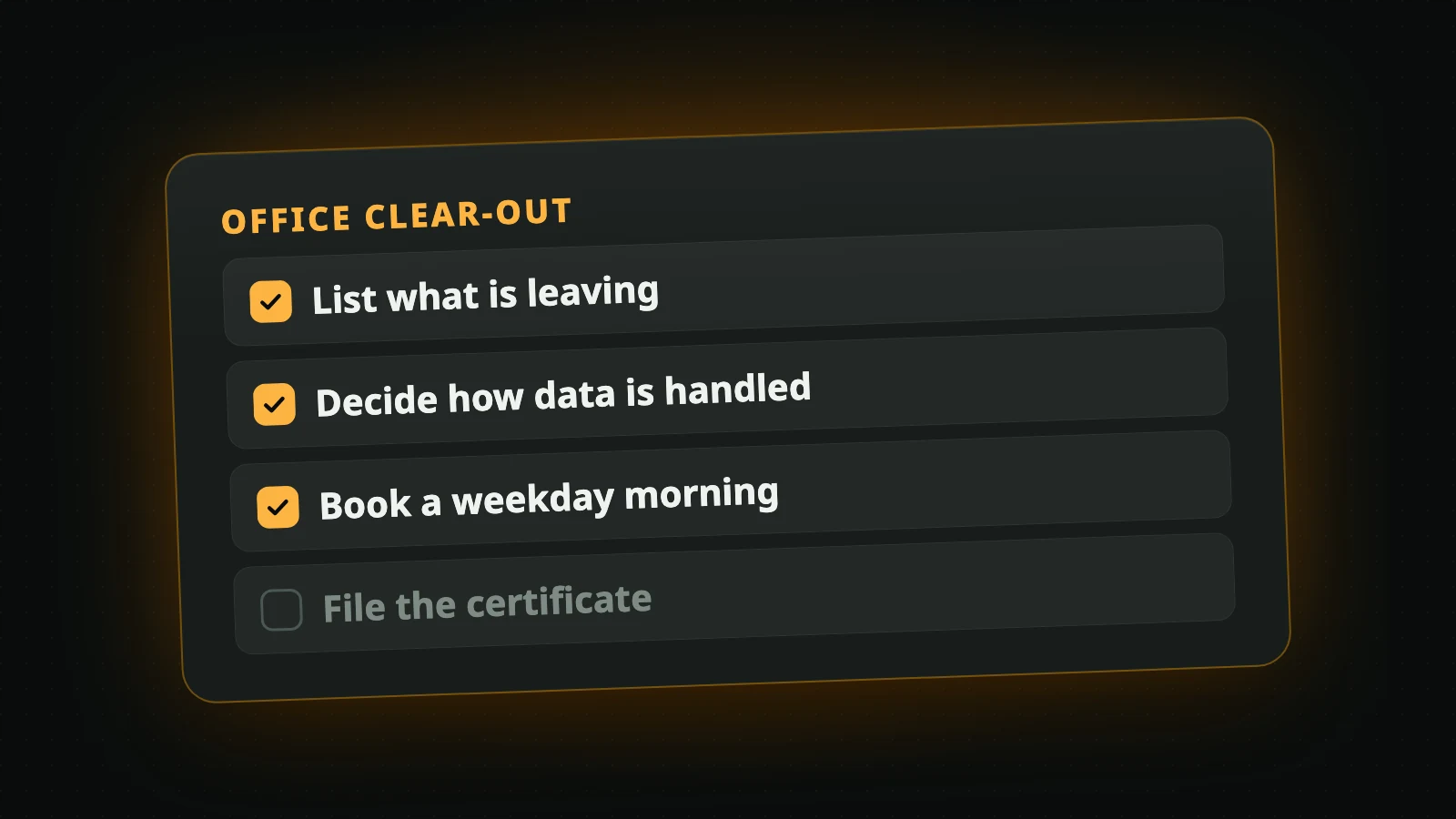
Old office equipment cannot go out with the garbage in Metro Vancouver, and most of it holds data that is still your responsibility. Disposing of it properly comes down to four steps: list what is leaving, decide what happens to the data, hand it to a recycler who puts that in writing, and keep the paperwork.
This guide is for whoever ends up with the job, whether or not IT is in your title.
What counts as office equipment
Here it means the electronics: desktops and laptops, servers, monitors, networking equipment, desk phones and phone systems, printers and multi-function units, and the keyboards, docks and cables around them. All of it can be recycled, working or not.
Electronic and electrical products are on Metro Vancouver's disposal ban list, so a dumpster is not an option for any of it.
Furniture is a different job. We collect electronics only, so ask your mover or your building manager about desks and chairs. Two electronic items are not ours either: battery backups (UPS) and the flat-screen TVs from meeting rooms. Where those go is on the list of what we accept.
What do companies do with old computers?
One of three things, usually in this order:
- Use them again. A retired laptop becomes a spare, a front-desk machine or a loaner.
- Pass them on. Sold to staff, or given to a school or a charity that can use them.
- Recycle them. For equipment too old or too broken for anyone to want.
Whichever route a computer takes, the data on it has to be dealt with first. A laptop sold to an employee with client files still on it is a privacy problem, however cheap it was.
Step 1: List what is leaving
Walk the office, the storeroom and the network closet, and write down what is going: the kind of device, how many, and where it sits. A count per room is enough.
Then mark which items hold data. Computers, servers and phones are the obvious ones. The one people miss is the printer: many office printers and multi-function units have a hard drive that keeps copies of what was printed or scanned.
Step 2: Decide how the data is handled
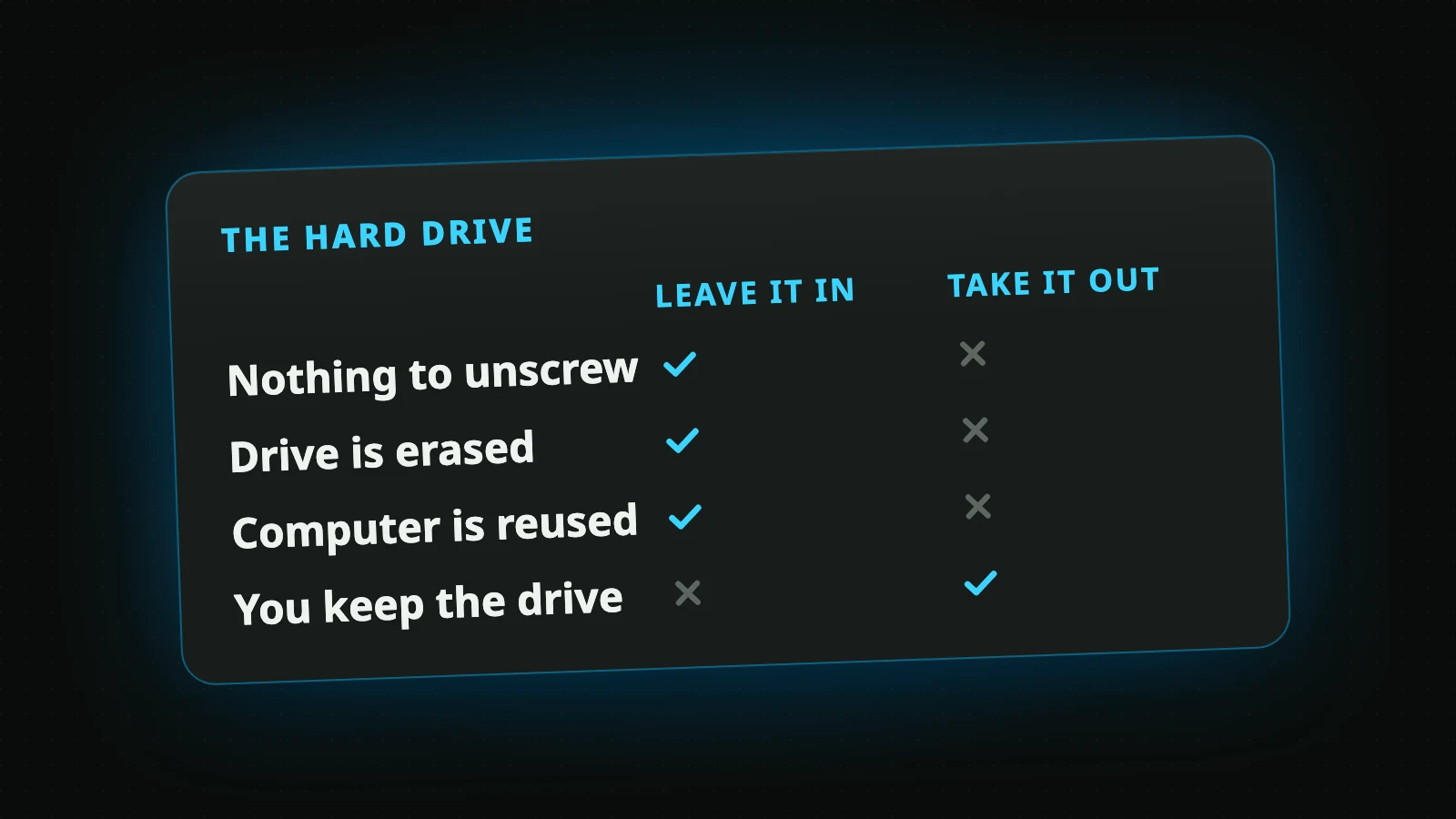
There are two ways to deal with a drive. A software wipe erases it and leaves a device that can be used again. Physical destruction leaves nothing to read and nothing to reuse.
Which one you need is rarely your own call. Check your privacy policy, your client contracts and any rules for your profession before you decide; some require that drives which held personal information be destroyed. British Columbia's privacy law has something to say as well, and it is summarized, along with how the two methods compare, under data destruction.
You can split the pile: destruction for the drives that need it, a wipe for the rest.
Step 3: Hand it over, with a record
Ask any recycler three things: who erases the drives, when, and what you receive in writing.
Our own answers are on the page about business electronic recycling. In short:
- We pick up from any organization in the cities we serve, in any quantity, with no minimum and no contract.
- Business pickups are on weekday mornings, 10 a.m. to noon, booked online.
- The pickup is free, and so is the software wipe of every drive.
- Physical destruction is the one paid service. We confirm the price before the pickup, and nothing is charged without your agreement.
Step 4: Keep the paperwork
Two documents are worth filing next to your list:
- The booking confirmation, with the pickup day and a reference number.
- A certificate of data destruction. Tick the box when you book and, within 10 business days of the pickup, we email one that lists each drive by serial number and says whether it was wiped or destroyed. It is free.
If your asset register needs every device listed and not only the drives, say so in the notes when you book, and we tell you before the pickup what we can provide.
Before the pickup morning
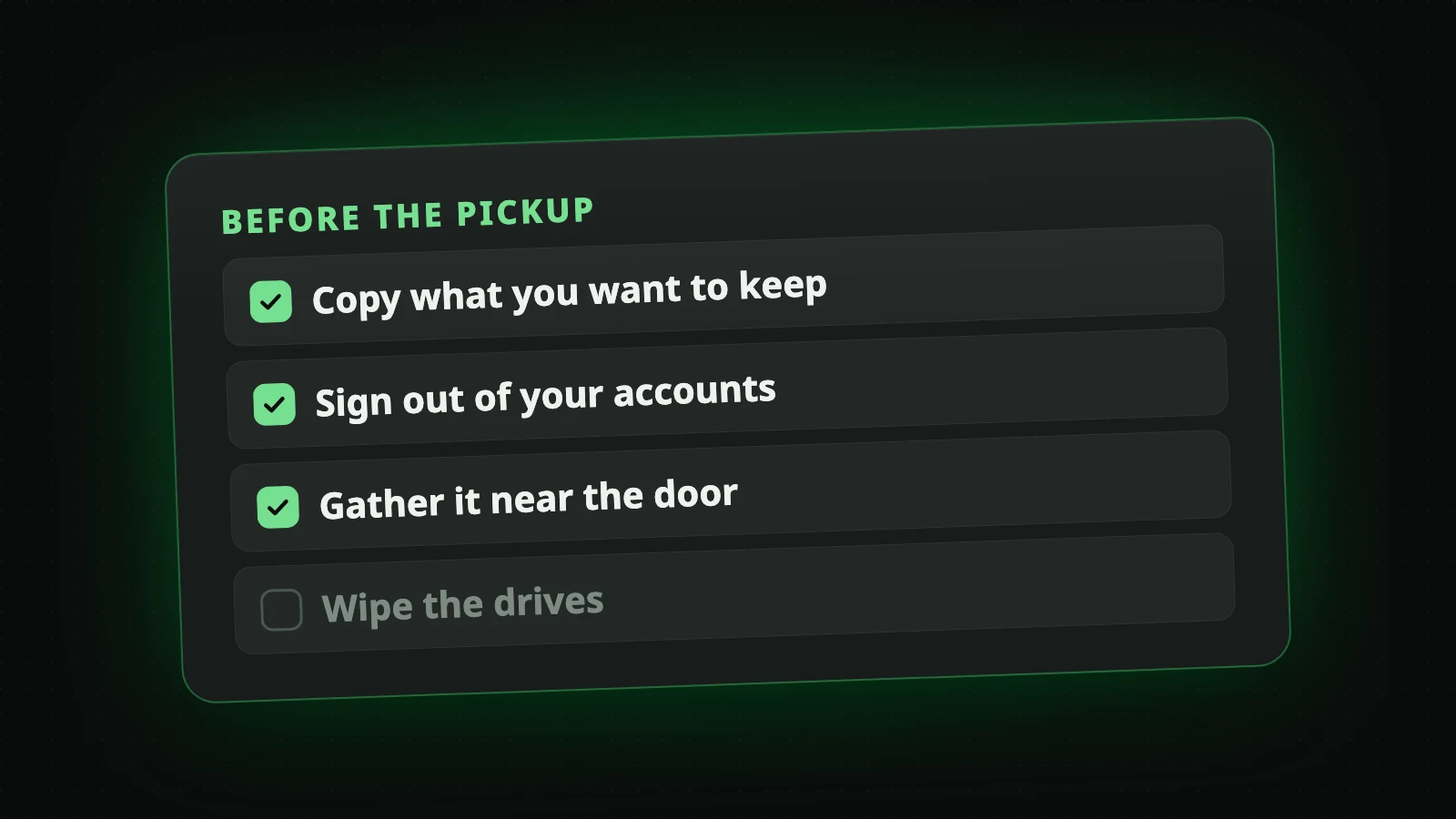
- Shut everything down and disconnect it. We do not touch systems that are still running.
- Sign devices out of the accounts that lock them to your organization, so a working laptop or phone can be used again.
- Put the equipment in one room if you can.
- Tell us about the loading dock, the freight elevator and the hours your building allows.
You do not need to wipe anything or pull any drives.
Then book
When the list is ready, book a pickup and choose a morning. It takes about a minute.
Book a Free Pickup
Old computers and electronics collected from your door in Metro Vancouver. The data is wiped at no charge.
Book a Pickup